
Install Mac Host

Download Mac Host

Mac Host is free. Install it on the Mac your agent runs on. Launch the host app on the Mac where your coding agent lives. Screen capture setup and QR pairing happen automatically.

RemoteVibeCodingHost 0.3.17

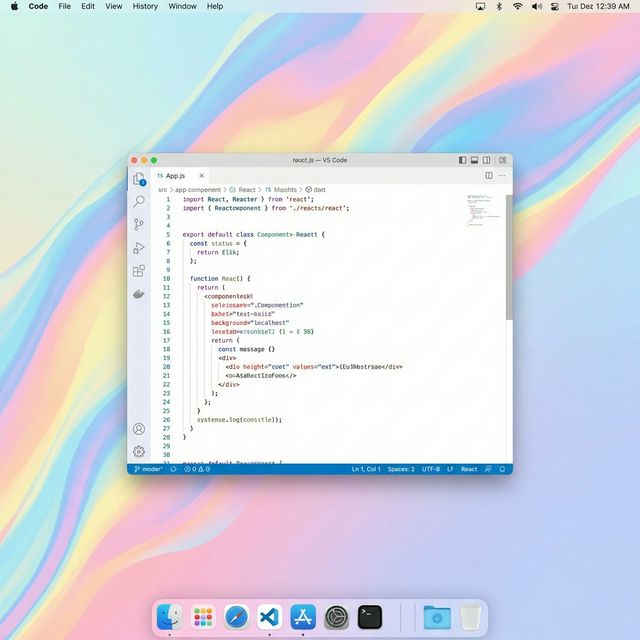
Mac desktop — an AI coding agent running under RemoteVibeCoding Host

3 Steps

Install. Scan. Keep prompting.

Mac runs the agent. iPhone keeps you in the conversation — without walking back to the desk.

1

Install Mac Host

Launch the host app on the Mac where your coding agent lives. Screen capture setup and QR pairing happen automatically.

  • Download and launch on your Mac
  • Grant Screen Recording & Accessibility permissions
  • QR code appears automatically
2

Pair with iPhone

Open the iPhone app on the same network and scan. Host address, one-time code, and certificate are fetched in a single tap.

  • Both devices on the same network for first pairing
  • Secure handshake via one-time code
  • Certificate pinning established automatically
3

Keep prompting

Out of the shower, on the train, half asleep in bed — fire the next instruction the moment it lands, by gesture, text, or voice. No walking back to the Mac.

  • Live view with recovery snapshots
  • Gesture, text, and voice prompts
  • One-tap reconnect from Saved Macs next time

Compatibility

  • macOS Host — install on the Mac running your AI coding agent
  • iPhone Controller — iOS 17+ recommended
  • Same LAN for first pairing, same Tailscale tailnet for Saved Macs reconnect
  • macOS permissions: Screen Recording, Accessibility
  • No account registration needed